Appearance
In the Appearance area you decide how the DocSecBox looks for you: light or dark, and how the file list is sorted. Every change applies at once, there is nothing to save.
To open the area, click your name at the bottom of the navigation bar, choose Profile and then Appearance on the left.
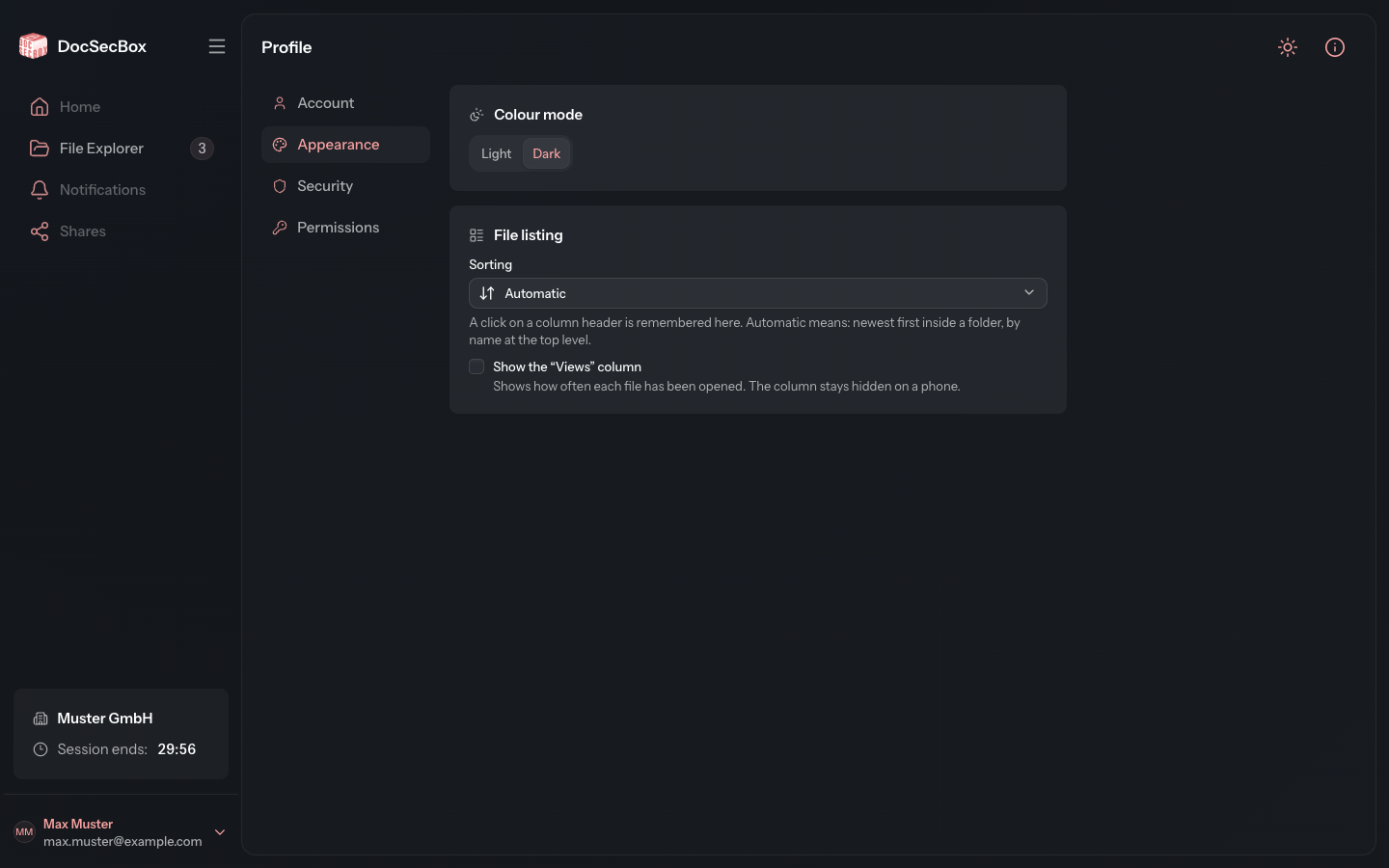
Choose Light or Dark
In the Colour mode card, click Light or Dark. The DocSecBox switches at once.
You can reach the same setting with the switch at the top right of the header on every page. Both store the colour mode with your account, so it also applies the next time you sign in.
Sort the File List
In the File listing card, use the Sorting field to choose how the file and folder list is sorted:
- Automatic: by name at the top level, newest files first inside a folder
- Name, Date or Size, each in either direction
- Views, meaning how often a file was opened, also in either direction
You can also click a column header directly in the list. The DocSecBox remembers that order as well and shows it here in the Sorting field.
Show the Views Column
Select Show the “Views” column. The file list then shows how often each file was opened. On a smartphone the column stays hidden so that the file name has enough room.